
Store Insights with AI
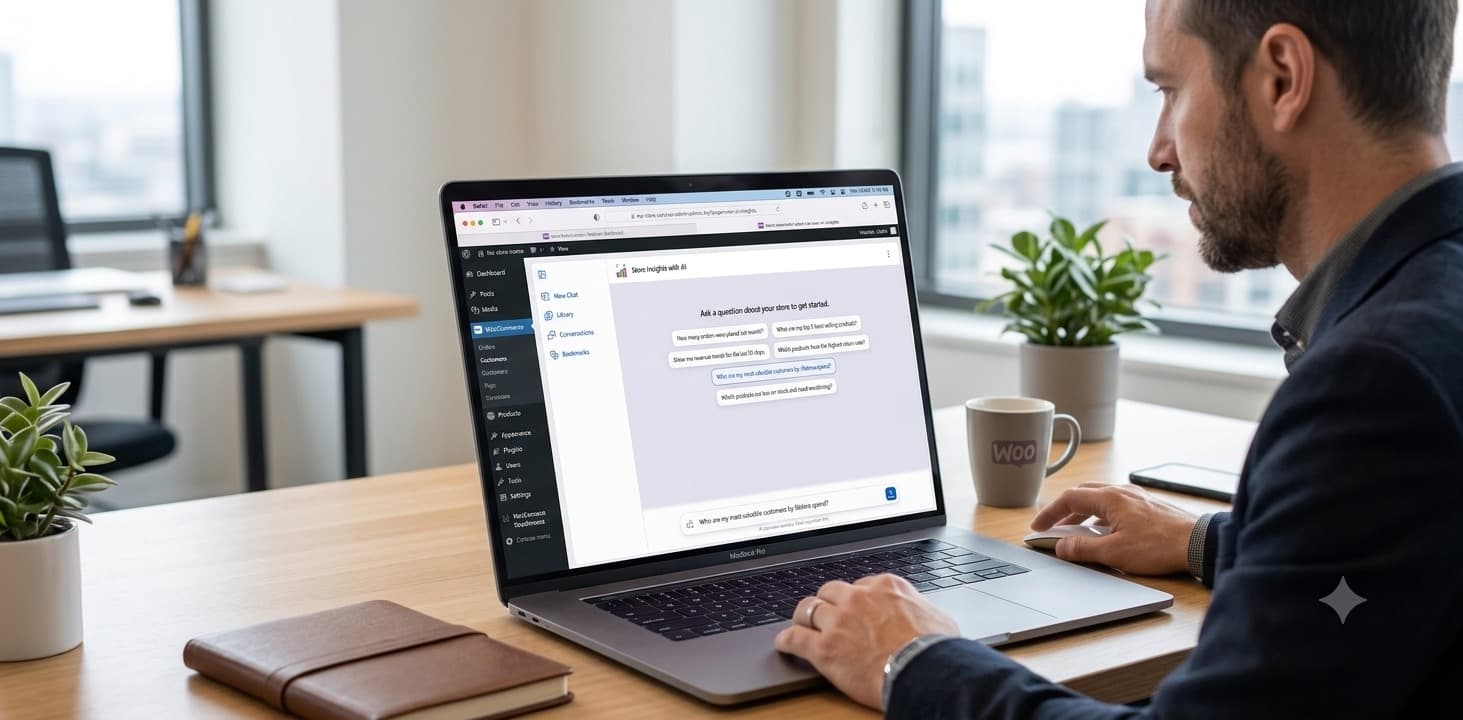
A focused release you can install and start using in minutes — no setup headaches, no clutter.
Latest version v2.5.2 · November 7, 2026
- Get AI assisted insights from your store.
- Use AI of your choice, no lock-in.
- Download AI analysis without leaving WordPress.
- Privacy regulations compliant.
Everything is ready the moment you download, so you can start using it straight away. Your purchase also includes all future updates — you never pay twice for a new version.
You must be signed in to purchase. Sign in and you'll come right back here.
Instant Download
Get immediate access after purchase. No waiting, no approval needed.
Automatic Updates
Get notified when new versions are released. Always stay up to date.
Secure Checkout
Payments are handled securely by Paddle. Your license activates instantly.
Frequently Asked Questions
Common questions about models, privacy, and setup for Store Insights with AI.
What AI models are supported?
Any model that provides an OpenAI-compatible chat completions API. This includes:
- OpenAI
- Claude
- Ollama / Llama.cpp (local models like llama3, mistral, etc.)
- Deepseek
- xAI / Groq
- Any API that mimics the OpenAI chat completions endpoint
Is my data sent to third parties?
Your store data is sent to the AI API you configure. We recommend using a local model (via Ollama or Llama.cpp) for maximum privacy. When using cloud APIs, PII (customer names, emails) is scrambled before sending and descrambled in responses, but the underlying numeric data is sent as-is.
How do I get an API key?
- Sign up at platform.openai.com
- Go to API keys and create a new key
- Add billing information
- Copy the key and paste it in Store Insights → Settings
Why use a local model?
Running a local model (via Ollama, Llama.cpp, or LM Studio) means your data never leaves your server. This is ideal for stores with strict data privacy requirements. Performance depends on your hardware — modern GPUs with 8GB+ VRAM recommended.
Does this support HPOS?
Yes! Store Insights with AI works with both High-Performance Order Storage (HPOS) and legacy order tables. The schema discovery automatically detects which mode your store uses and generates appropriate SQL queries.
Troubleshooting: AI returns errors
- Verify your API key is correct in Settings
- Check that your API URL is correct
- Ensure the selected model is available on your API provider
- Try a simpler question first
- Check PHP error logs for detailed error messages
Troubleshooting: No results found
- Make sure you have WooCommerce data (products, orders, customers)
- Try specific date ranges: "How many orders in January 2025?"
- Check that your WooCommerce tables are properly set up